Software & Solution

Read an Eastron SDM630 Meter over RS-485 with Modbus Studio, Step by Step

From a meter on the wall to a live dashboard: what you need, how to scan the bus, which registers matter, and what to check when a meter stays silent.

The Eastron SDM630 is a widely used three-phase energy meter. It speaks Modbus RTU over RS-485, so any PC with a USB-RS485 adapter can read it. This guide uses Modbus Studio, our Windows tool, and its built-in SDM630 profile to get voltage, current, power and energy on screen.

Before You Start

What You Need

Step by Step

From Scan to Dashboard

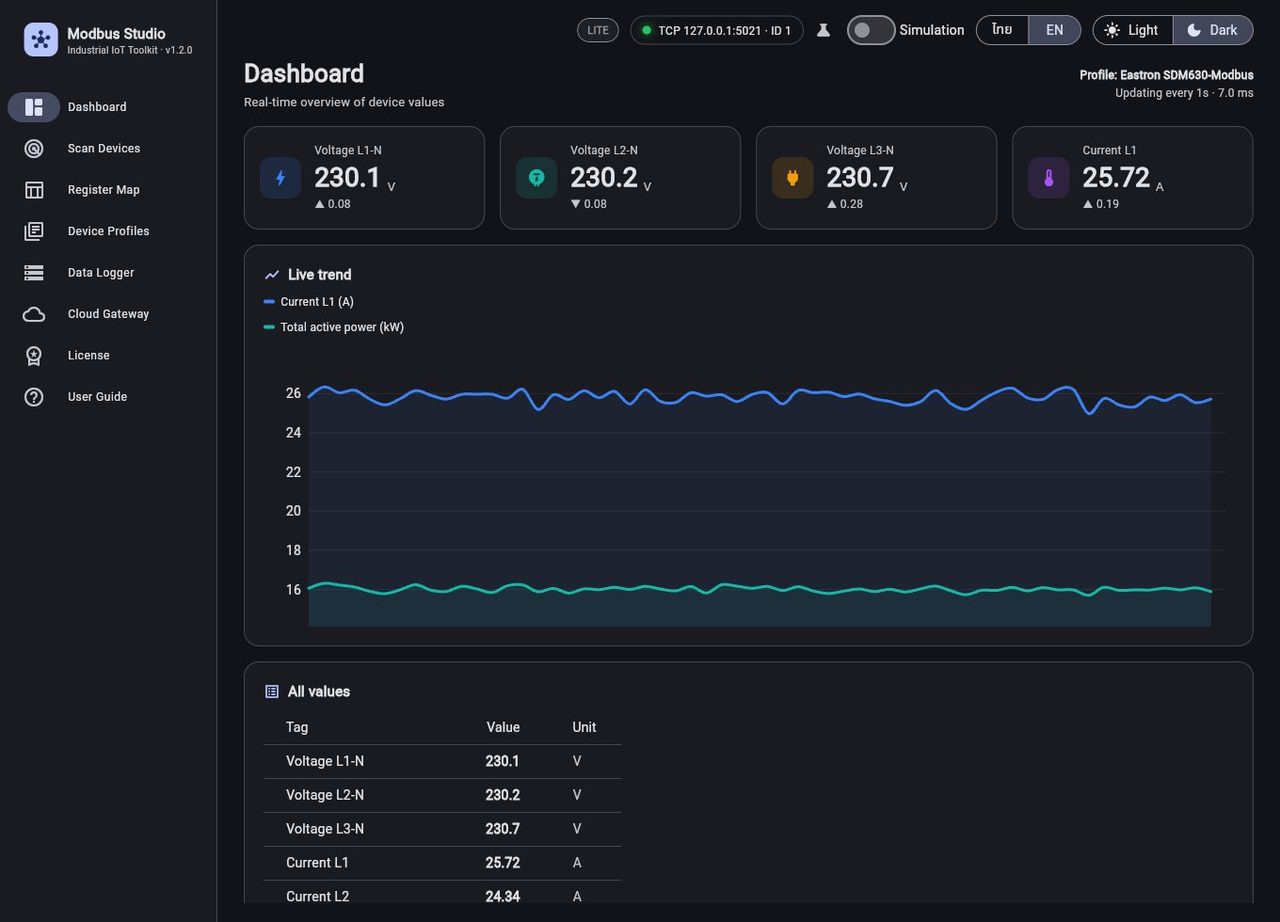
Modbus Studio dashboard with the Eastron SDM630-Modbus profile
The Dashboard with the Eastron SDM630-Modbus profile, shown here with demo data from the built-in simulation mode.
The Registers

What the Profile Reads

All values are input registers (function code 04) stored as 32-bit floating point numbers in ABCD order.

ValueAddressUnit
Voltage L1-N (L2-N at 2, L3-N at 4)0V
Current L1 (L2 at 8, L3 at 10)6A
Active power L1 (L2 at 14, L3 at 16)12W, shown as kW
Total active power52W, shown as kW
Total apparent power56VA, shown as kVA
Total reactive power60var, shown as kvar
Power factor62-
Frequency70Hz
Import energy72kWh
Export energy74kWh
Total energy342kWh

Addresses are zero-based protocol addresses, as used in the built-in profile. Some documents list the same registers in hex (address 52 is 0x0034) or in 30001-style numbers. Check your own meter's Modbus document, since firmware and variants differ, before relying on this table.

The ready-made SDM630 profile is part of the Pro profile library, which is open during the 30-day trial. In other editions you can add the same tags yourself in Device Profiles or Register Map using the table above.

Troubleshooting

When the Meter Stays Silent

Based on the Modbus Studio built-in Eastron SDM630-Modbus profile and the product version current at the publish date (5 November 2026). Register details follow the profile built into Modbus Studio; check your meter's own Modbus document, as firmware and variants differ.

Try it on your own meter

Download the free 30-day trial, with every feature unlocked, and connect your first meter.

Get Modbus Studio